How to collect wedding photos from all your guests (without chasing anyone)
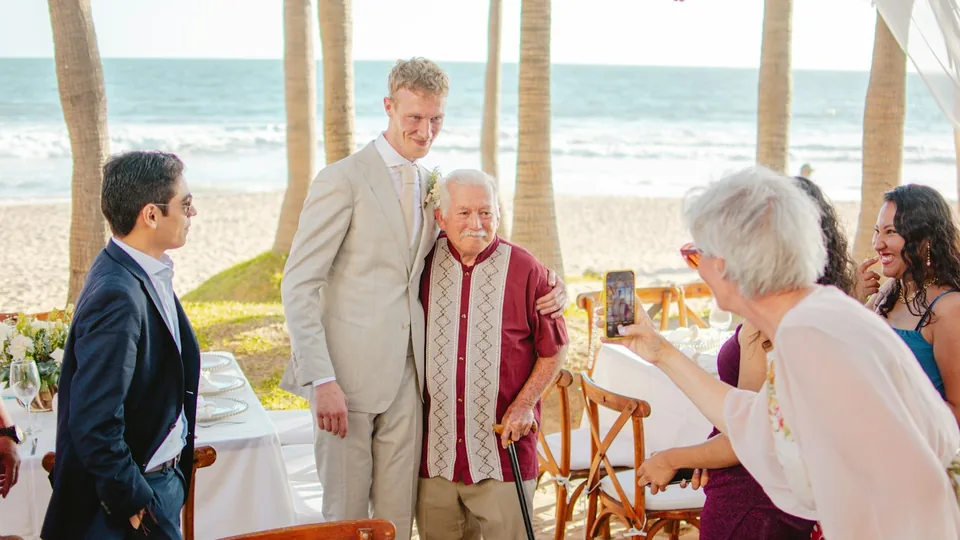
The wedding is over. You're on the couch, exhausted and happy, looking at the four photos on your phone. And you think: "With all those people taking pictures all night, where are they?"
They're on your cousin's phone. And your coworker's. And your uncle's, who took two hundred and doesn't know how to send them.
Here's how to collect wedding photos from your guests so they all end up in the same place, without spending three weeks chasing people by text.
The problem isn't a shortage of photos
There are photos. Lots of them. The hug your friend gave you the moment she arrived, your cousins' table goofing around, your dad chatting with the bartender as if they'd known each other forever, and that last group that ended the night at a diner.
What's missing is an easy way to hand them to you.
During the wedding, nobody thinks: "I'll save this in an orderly system for the couple." Your guests take a picture, look at it, maybe show it to the person next to them and put the phone away. The next day everyone goes back to their lives. Sending you photos becomes item number 46 on their to-do list.
That's why the classic "send us all the photos you have" message gets such a thin response. It isn't a lack of affection. It's friction. People have to find the pictures, choose them, send them and, if there are many, wait for the upload. The more steps, the fewer photos you get.
The solution starts before the event: set up one single place and make uploading a photo almost as easy as taking it.
The four ways we usually try (and where they get stuck)
1. The group chat
It seems the most logical choice because everyone has one. You create a group, add your guests and ask them to send their photos there.
The first problem is that not everyone is ever in it. Your friends, yes. Your coworkers, maybe. Your partner's aunt, their parents' neighbor and the cousin who lives abroad are usually left out. The second is noise: one photo triggers fifteen hearts, six "you look amazing" replies and a side conversation about who took someone's jacket.
The picture is still there, but finding it two months later is another story. A chat is built for conversation, not for building a gallery. All its limits are laid out in this guide to sharing wedding photos in a group chat.
2. A Google Drive or iCloud folder
A shared folder sounds very organized. It is, for you, the person who created it. For a guest it can mean opening a link, signing in with the right account, requesting access, figuring out where the upload button is and accepting that their name will show up next to the file.
Some people will manage with no trouble. Others will text you "it won't let me in." And others will see the sign-in screen, think "I'll look at it later" and never come back.
There's also an unglamorous detail: permissions. A badly configured folder can end up locked, or allow someone to move and delete other people's files. It can be set up well, of course, but test it on a phone that isn't yours before you print any link.
3. AirDrop at the last minute
AirDrop is wonderful when your sister is right in front of you, you both have compatible devices and you want to swap twenty photos. As a system for an entire wedding, no.
It requires being in the same place, keeping the phones close and repeating the process person by person. It doesn't help anyone on a different kind of phone, or anyone who has already gone home. It's good for rescuing a small batch, not for collecting photos from a hundred and twenty guests.
4. Asking one by one
This method works. So does scrubbing an entire ballroom with a toothbrush.
You text your cousin, then your work friends, then the college table. You get duplicates, screenshots, half deliveries and promises of "I'll send them tonight." A week later you can't remember who answered.
I'd save this effort for one specific picture you know exists: "Aunt Anna, can you send me the one where Grandma is holding the bouquet?" To gather the whole set, you need something else.
What does work: a QR code that leads to one album
The idea is quite simple. You create a space for your event, put a QR code where people can see it and your guests scan it with their phone camera. The link opens in their browser. From there they can write a message and add a photo without creating an account or downloading an app.
That's it.
The QR code isn't magic. It removes steps. Nobody has to remember a phone number, find a group, request access to a folder or learn a new tool. The person already has the phone in their hand. They scan, pick their photo and send.
In a digital guest book for events, the picture also arrives with its context. "This is table seven five minutes before the centerpiece disappeared" says a lot more than a file called IMG_4837.
One important note: the platform optimizes photos when they're uploaded. The advantage of the system isn't the promise of an untouched original file. It's gathering the pictures and their stories in a place designed for the event.
How to set it up, step by step
1. Create the event before printing anything
Give it a recognizable name and check the date. You can create a free Demo and go through the same steps your guests will. The Demo lets you receive up to 5 messages and add up to 5 photos of your own per event, enough to see whether the experience suits you.
2. Test the link on another phone
Opening it only on your own phone, where you may already be signed in, doesn't count. Send it to someone you trust. Ask them to open it, write a few words and add a photo.
If that person understands what to do without you stepping in, you're on the right track.
3. Design a sign people understand in three seconds
The QR code needs a sentence. "Add your photos here and leave us a message" works better than a lovely but ambiguous title. Add your names or the event title so nobody wonders where they're going.
Don't make the code tiny, and don't surround it with so many drawings that it's hard to focus on. This guide has more on QR codes on wedding tables, and these wedding QR code sign ideas cover the wording.
4. Put it where the photos already happen
One card per table usually works very well. So do the photo backdrop, the bar and the welcome area. You don't need to turn the room into a QR code exhibition, but you do want to give people two or three chances to see it.
My favorite spot is the table. At some point everyone sits down, there's enough light and someone asks "what's this?" That question does the rest.
5. Make a specific request
"Upload photos" is too broad. Try something that gives people an idea:
- The funniest photo from your table.
- A moment you think the couple didn't see.
- A picture with someone you just met.
- The last photo of the night.
Small challenges take away the fear of not knowing what to share, and they produce a much more interesting gallery.
6. Remind people once, not seven times
Ask the emcee, the DJ or someone you trust to mention it after dinner. One sentence is enough: "There's a QR code on your table for leaving a photo and a message."
You can also send the link the next day. That reminder rescues the photos taken outside the room, and the ones from people who saw the sign but preferred to upload at their own pace.
What happens to all those photos afterwards
Collecting them is half the job. The other half is not abandoning them in yet another folder you'll never open again.
First, look through what came in, unhurried. If there's a duplicate message or an entry you'd rather not show, you can hide it. There's no automatic pre-approval step, so review the result the way you'd review any shared album.
Then decide what keepsake you want to build. With Pro you can keep the online book, prepare a laid-out PDF with photos and messages, or download all the photos as a ZIP file. And put this on your calendar: the photo download is available for a limited time after the event (currently 90 days).
My advice is to make two selections. A wide one, to keep the whole story, and another of twenty or thirty pictures to print. Eight hundred photos in a folder are a burden. Twenty-five in a box get looked at.
If the post-wedding Tuesday slump hits and you don't know where to start, save this guide on what to do with your wedding photos once it's all over.
Frequently asked questions
How can I collect photos from guests without a group chat?
Create an album that opens with a QR code. Guests scan the code, open the link in their browser and add their photo without joining a conversation.
Do guests have to download an app?
No. With EventGuestBook they use their phone's browser. They need an internet connection, but no app and no account.
When should we show the QR code?
During the celebration, and again the next day as a link. At the wedding it captures spontaneous participation. The later reminder recovers photos guests prefer to choose calmly.
Where do I put the QR code?
On the tables, at the welcome area, by the photo backdrop or at the bar. Choose visible places where people already have their phones out, and add a short instruction.
Can I use it alongside a professional photographer?
Of course. Guest photos complement the professional coverage with table scenes and small moments. Don't ask anyone to get in the way during the ceremony or the moments the photographer is covering.
Are photos uploaded exactly as they come off the phone?
The platform optimizes them during upload. The goal is to gather them conveniently and present them alongside the messages, not to offer storage for unprocessed files.
Can I download all the photos at once?
Yes. With Pro you can download the photo ZIP for a limited time after the event (currently 90 days). That download isn't part of the free Demo.
What does the free Demo include?
Up to 5 messages and 5 photos of your own per event. Use it to try the experience before deciding whether you need Pro.
Help the photos find their way back
Your guests are going to take pictures anyway. You don't need to ask twenty times. You need to leave a door open that's very easy to find.
To see how it feels from a phone, create your event for free, upload a test photo and send the link to that one family member who always needs help. If they make it, everyone will.
Related articles

Digital guest books for wedding planners: how to offer one to your couples
An extra that adds no logistics to the wedding day if you plan it well: who creates it, when to set it up, how to show it on a screen and which plan suits each couple.
7 min
Messages, photos and voice notes: what your wedding keepsake looks like when guests give all three
A message tells you what someone thinks, a photo shows how it felt and a voice note gives you their voice back. Here is how your wedding keepsake changes when guests leave all three.
8 min
How to get guests to sign your wedding guest book
Participation is a matter of friction and timing, not nagging. What actually moves the needle before, during and after the wedding.
8 min