Digital guest books for wedding planners: how to offer one to your couples
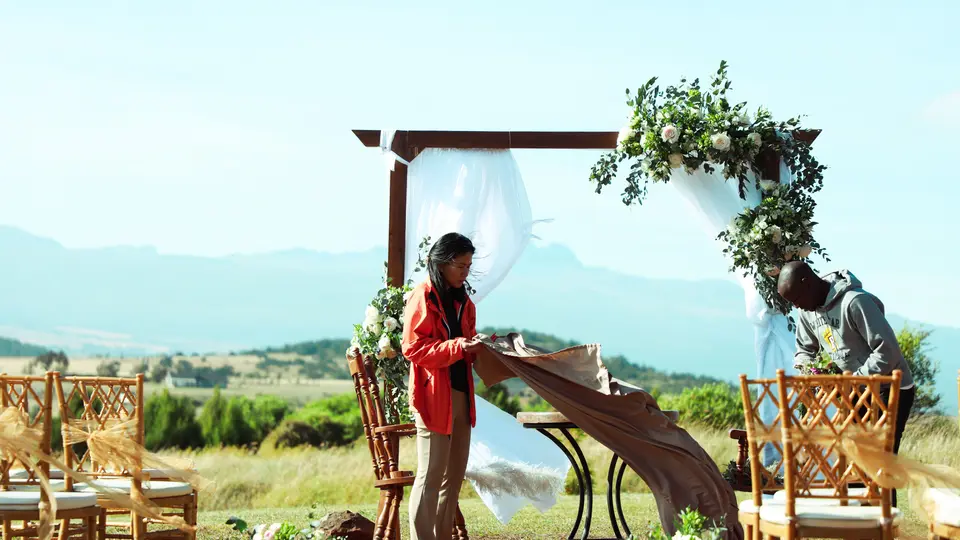
Every wedding planner knows how the guest book on the welcome table ends up: a couple of pages filled early in the evening, the rest blank, and at two in the morning someone picks it up without knowing whose it is. Nobody is to blame. It is an object designed for a moment when guests are arriving, and people do not write well standing up with a drink in one hand.
A digital guest book changes the moment: each guest opens it on their phone, when they feel like it, and writes without hurry. For you, the appeal is somewhere else: it is an extra that can go into your proposal without adding work on the wedding day, if you plan it well. Here is what to decide.
What you can offer the couple
With EventGuestBook, guests scan a QR code or open a link, with nothing to install and no account, and leave a message, a photo and, if it is turned on, a voice note. The couple see everything together in their dashboard. Three things matter for you:
- It fits into the signage you already produce. The QR code goes on the welcome table, on the seating chart or on discreet cards. It does not need a new corner.
- It can go on a screen. The live wall shows the messages during cocktail hour or dinner. See how it works and the article on the live wedding message wall.
- It works before and after the day. Guests who cannot attend write too, and the couple keep receiving messages for as long as they want.
Who creates the event?
Before anything else, decide with the couple who creates the event, because the event belongs to the account that creates it. There are three common models:
| Model | How it works | When it fits |
|---|---|---|
| The couple create it | You recommend it and help them set it up | Couples who want control of everything |
| You create it for them | You set it up and add one of them as co-host | Full-service planning |
| You create it and run it | You also handle the wall and the wrap-up | Weddings with AV production |
No option is better than the others. What matters is that your service agreement states who creates the event, who pays for the plan and who receives the PDF and the photos at the end.
Setup timeline
A guest book should not be a last-week task. A reasonable timeline:
- Four to six weeks out. Create the event and run a full test: sign it yourself from your phone, watch the message reach the dashboard and see how it looks on a screen.
- Two to three weeks out. Add the QR code to the signage design. For wording and layout, see these wedding QR code sign ideas.
- One week out. The couple share the link with guests by text or in the group chat, so anyone who wants to can write already.
- On the wedding day. QR code on the welcome table and on the reception tables. If there is a wall, check the screen and the connection at the tech rehearsal, not when cocktail hour starts.
- Afterward. Download the PDF and the photo ZIP and hand them over to the couple. The ZIP is available for up to 90 days after the event, so do not leave it for later.
For where to place the QR codes and how to label them, there is a guide on putting QR codes on wedding tables.
The wall at dinner: what to check
Showing messages on a screen is the moment people remember most, and also the one most likely to fail. Before offering it, go over these with the venue:
- Which screen, projector or TV is available, and who controls it.
- A stable internet connection where the wall will be.
- When it goes on: cocktail hour or dinner works better than a key moment in the program.
- Moderation: messages can be hidden or deleted from the dashboard if one should not stay on screen. There is no approval step before a message appears, so someone should keep an eye on it.
Which plan suits each couple
The Demo plan is free and does not ask for a card, but it accepts 5 messages per event and 5 of the host's own photos. A wedding goes past that easily, and once it is full the following messages are not saved. Demo is for the test, not for the day.
- Pro: €49.95 per event, a single payment. Unlimited messages and photos, the complete book as a PDF, the photo ZIP, the complete digital book, book design and 1 co-host. It suits most weddings.
- Premium: €99.95 per event. Everything in Pro, plus up to 5 co-hosts, the editable PPTX for PowerPoint (which can be imported into Canva), page reordering and the option to remove the watermark. It makes sense if the couple want to retouch the book, or if your team and the couple will run it together.
Plans are bought per event. If you build it into your service, decide whether it goes in your fee or is offered as an optional extra, and make clear what it includes. EventGuestBook does not publish commissions or special rates for professionals. If you work with several couples a year, write to us and we will look at how it fits your proposals.
A sample to show
To help the couple understand what they will get, show them a finished book. We have a sample, "Clara & Alex," with invented names and messages, that shows the final book and the wall. It is on the digital wedding guest book page, and you can open its sample PDF to show the result.
What not to promise
Promise what the service does and nothing more:
- Do not promise that "everyone" will sign. It depends on the wedding, on how you ask and on the age of the guests.
- Do not promise a screen before you have checked the venue.
- Do not promise a printed book as part of the service. The couple get a print-ready PDF, and printing is arranged separately with a print shop: price and timing depend on the format and the finish.
A next step
If you want to try it before offering it, create a free event and run a test from start to finish on your phone. And if you have questions about using it across several weddings, get in touch.
Related articles

Messages, photos and voice notes: what your wedding keepsake looks like when guests give all three
A message tells you what someone thinks, a photo shows how it felt and a voice note gives you their voice back. Here is how your wedding keepsake changes when guests leave all three.
8 min
How to get guests to sign your wedding guest book
Participation is a matter of friction and timing, not nagging. What actually moves the needle before, during and after the wedding.
8 min
Wedding guest book prompts: 25 questions that get more personal messages
The problem is rarely the guest. It's the question. 25 prompts sorted by what you want to get back, and the one rule that matters: pick just one.
8 min