Office holiday party: how to collect messages and photos from the team

The office holiday party has a predictable fate: three blurry photos in the group chat, a couple of stories that get retold until February, and by March nobody remembers who sat with whom. What was said during the toast, and what each colleague would write if someone asked them with a calm minute to spare, is lost.
A digital guest book is for exactly that, and it is easier to organize than it looks. Here is how to set it up for a team dinner or lunch without it feeling like one more year-end task.
What you gain over "let's take a group photo"
A group photo tells you who was there. A guest book tells you what the year was like. Each person can leave a message, a photo and, if the organizer turns it on, a voice note, and everything ends up in one place. People do not install anything or sign up: they scan a QR code or open a link.
There are three reasons it works especially well for the holidays:
- Everyone takes part, not just the people at the table. Those on leave, working remotely or based at another office can write from their phones.
- It can happen before, during and after. The link goes around the week before, the QR code is at the dinner, and the wrap-up comes the next day, once people are thinking clearly again.
- The result is easy to share. On the Pro plan, the complete book downloads as a PDF and you can share the complete digital book with anyone who wants to see it.
If what you need is a keepsake for a farewell or a retirement, there is another guide: a guest book for a company event. This one is about the holidays and teams that get together once a year.
When to ask, step by step
Asking ahead of time, and not at the dinner, is the difference between ten messages and fifty.
- One week before. Create the event and send the link along with the plan for the evening. A simple text is enough: "We've put together a book of the year. Write whatever you like, add a photo from this year or leave us a voice note."
- The day of the party. Put the QR code on each table or by the entrance, printed on a small card. Early arrivals can write while they wait.
- During dessert. If there is a screen, show the messages live in TV mode. That is when people get inspired to write, seeing everyone else's. The how it works page shows the wall.
- The next day. A short reminder to those who have not written. Two days later, wrap up and download.
What to ask the team
"Write something" is an instruction almost nobody follows. A specific question gets answered. These three kinds work well:
- A moment from the year. "Which project or which day this year made you laugh or made you proud?"
- A thank-you. "Who on the team do you owe one to this year?"
- A wish for the next one. "What would you like to see happen here next year?"
Avoid questions that push people to give an opinion on management or results: the book is not a survey, and the answers will be read in front of the team if you show the wall.
Ground rules that prevent problems
A team book is not a book among friends, so make a few things clear from the start:
- Taking part is voluntary. Say so in the invitation, with no pressure.
- Let people know the photos are shared with the group. Anyone who would rather not appear will know before uploading anything.
- Moderate. From the dashboard you can hide or delete any message. Especially useful if you are showing the wall.
- Name one person in charge. Someone from HR, internal communications or the party committee who creates the event and downloads it at the end.
A sample to look at before deciding
We have put together a sample with a fictional company, Tide Studio, celebrating its end-of-year party. The names and messages are invented: it shows what the book and the wall look like, not real customers. You can see the sample wall, open its PDF and read the full idea on the digital corporate event guest book page.
Which plan to choose
The Demo plan is free and does not ask for a card, but it accepts 5 messages per event. An office party nearly always goes past that, and once the limit is reached, the next person sees that the book is full and their message is not saved. For a team, Pro is the fit: €49.95 per event, in a single payment, with unlimited messages and photos, the complete book as a PDF, the photo ZIP and the public book.
If you wanted to retouch the design in PowerPoint or Canva, that is the Premium plan (€99.95 per event), not Pro. Current prices are on the pricing page.
A practical recommendation: create the event on Demo a few days ahead and try it with two colleagues. Once you see it works, upgrade to Pro before sending the link to the whole team.
Frequently asked questions
Can people who are not coming to the party write?
Yes. Just send them the link. They can leave a message, a photo and, if you turn it on, a voice note from their phones.
Is there an app to install?
No. It opens in the phone's browser, with no app and no account.
What do we do with the book afterward?
With Pro you can download the complete book as a PDF and share the complete digital book with anyone you like. The photo ZIP can be downloaded for up to 90 days after the event.
What if we want a printed copy?
Take the PDF to any print shop. There is a step-by-step guide in how to print your digital guest book.
A next step
If your party is in December, the time to organize this is now, not in the final week. Create your event for free and try the flow, or see how it works for corporate events.
Related articles
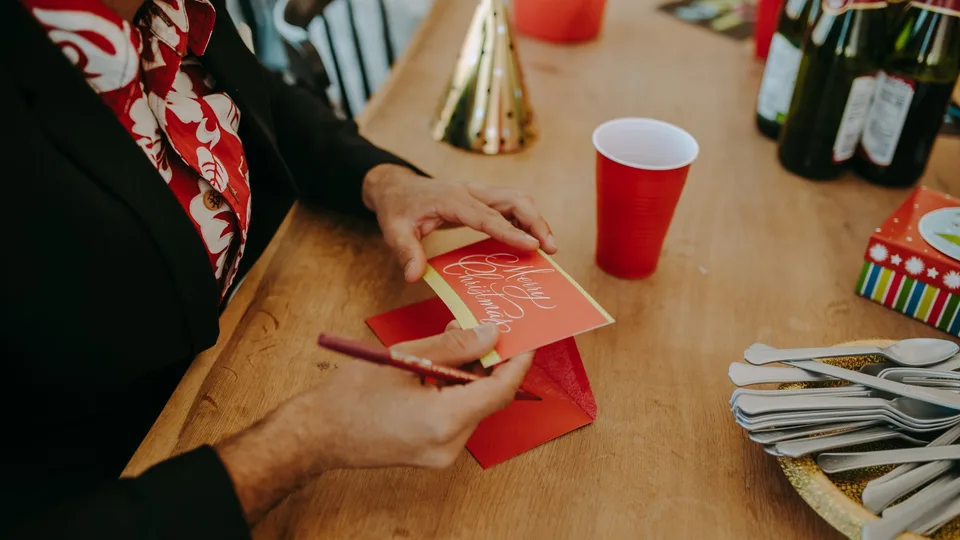
A holiday card for the team: the one everyone signs, wherever they are
The team holiday card usually gets lost under a folder. How to gather messages and photos from everyone, including those who are not in the office, with a QR code.
5 min
Office Secret Santa: the gift lasts a week, the message does not
The office Secret Santa is over when the wrapping paper runs out. A simple way to leave something more behind: a message from every person on the team.
5 min
You've been put in charge of the office holiday party: where to start
Nobody volunteers to plan the office party. If it has landed on you, here is the order to make the decisions in and what to lock down each week.
4 min