Digital vs. traditional guest book: which one should you choose?
You're getting married, baptizing your little one or celebrating a milestone birthday... and a decision comes up that's small but matters more than it seems: how will you collect your guests' messages? For decades there was one answer: the paper book. Today there's an alternative: the digital guest book. Which suits you better? Here they are side by side.
Quick comparison table
| Feature | Paper book | Digital book |
|---|---|---|
| Typical cost | Roughly $30 to $100 | Free Demo, or €49.95 for Pro |
| Participation | Limited: only those who walk up to the table | High: anyone signs from their phone |
| Messages with a photo | No | Yes (unlimited with Pro) |
| Voice notes | No | Yes, if you turn them on |
| Legible writing | It varies | Always |
| Recovery if it's lost | Impossible | Always saved online |
| Printed version | It is the book | Yes, from the PDF, at any print shop |
| Setup | Buy it and bring it | 5 minutes on your phone |
| Emotional value | High (an object) | High (words, photos and voices) |
The paper guest book: pros and cons
The lifelong classic. It has charm, and it has drawbacks.
Pros
- A tangible object. You touch it, put it on a shelf, show it to your kids. That emotional weight isn't up for debate.
- Classic looks. It suits traditional weddings and vintage-style events beautifully.
- No technology required. No phones, no Wi-Fi, no apps.
- Everyone understands it. Your grandmother gets it right away, with no explanation.
Cons
- Limited participation. Many people don't sign: there's a line, the table is far away, they don't feel like it... and half the wedding slips by.
- Illegible handwriting. After a glass of champagne, penmanship does strange things. Five years later, good luck working out who wrote what.
- No photos or voices. Text only.
- It's fragile. A stain, a spilled drink or a moment of distraction... and there's no backup.
- It can't be reused. A new book for every event.
The digital guest book: pros and cons
If this is the first time you're considering one, what a digital guest book is and how it works explains it from scratch. It's the newcomer that's winning couples over. It has fine print too, and here's all of it.
Pros
- Far more participation. Guests sign from their phones by scanning a QR code. Anyone, at any point in the day, without leaving their seat.
- Richer messages. A written note with a photo and, if you turn it on, a voice note in the same entry.
- No app, no sign-up. They scan the code and write. It works as well with grandmothers as with teenagers.
- Perfect lettering. Guests pick from carefully chosen font styles. Always legible, whatever anyone's handwriting is like.
- Live on screen. If you show the live wall on a TV or projector during the event, guests watch their messages appear in real time.
- A lower cost. A free Demo to try it, and €49.95 for Pro (unlimited messages, PDF book, photo ZIP and complete digital book).
- Always within reach. It doesn't depend on an object that can be misplaced or damaged: sign in and open it whenever you like.
- It can be printed later. Download the laid-out PDF and take it to any print shop.
Cons
- It needs a visible QR code. You have to think about where to put it (tables, photo backdrop, reminders).
- Some older guests need a hand at first. The steps are very simple, but it helps to have someone willing to assist for the first few minutes.
- It depends on the venue's signal or Wi-Fi. Most venues are fine, but it's worth checking beforehand.
When to choose each
Spoiler: there's no single answer. It depends on you.
Choose a paper book if...
- Your event is very classic in style and the object is part of the decor.
- You have few guests (under 20 or 30).
- What really matters to you is the object, not the number of messages.
- Most of your guests are older people without a smartphone.
Choose a digital book if...
- You want to get the most participation and receive lots of messages.
- You love the idea of messages with photos and voices.
- You'd like to see messages on screen during the event.
- You like the idea of printing the book afterwards, once all the content is in.
- You want something modern and convenient that doesn't strain the budget.
The hybrid option (many couples' favorite)
Why choose if you can have both? More and more couples do this:
- During the event they use a digital guest book with a QR code on every table, and collect messages, photos and voice notes from far more guests.
- After the event they download the laid-out PDF to keep or print.
The result? The best of both worlds: more participation plus a physical object to keep.
So, which one?
If what you want is a keepsake object and a classic look, the paper book makes perfect sense. If you want to enjoy the messages during the event, receive many more of them in a richer format and keep them without fear of damage or loss, digital wins comfortably.
And if you can't decide? The hybrid option is very hard to beat.
FAQ
Is it hard for the hosts to set up? Not at all. The whole thing takes about 5 minutes: the event name, the date, a welcome note and you're done. You get the QR code to print.
Does it work if the venue has no Wi-Fi? Yes. It runs on each guest's mobile data. Most venues have coverage, but check yours in advance.
Can I download everything afterwards? Yes. With Pro, after the event you download the full book as a PDF and all the photos as a ZIP file.
How much does it cost? There's a free Demo (up to 5 messages per event) to try it, Pro at €49.95 as a single payment with unlimited messages, and Premium (€99.95) if you also want to edit the book in PowerPoint or Canva or remove the watermark. See all the plans.
Do guests need to create an account? No. They scan the QR code and write. No sign-up, no app, no downloads.
Ready to try it? You can start for free and have your event ready in under 5 minutes. See plans and pricing
Related articles

How to print your digital guest book: from PDF to paper, step by step
You have the PDF of the book and you want it on paper. Page size, what to ask the print shop, what to check before printing and how to edit the book first if you need to.
6 min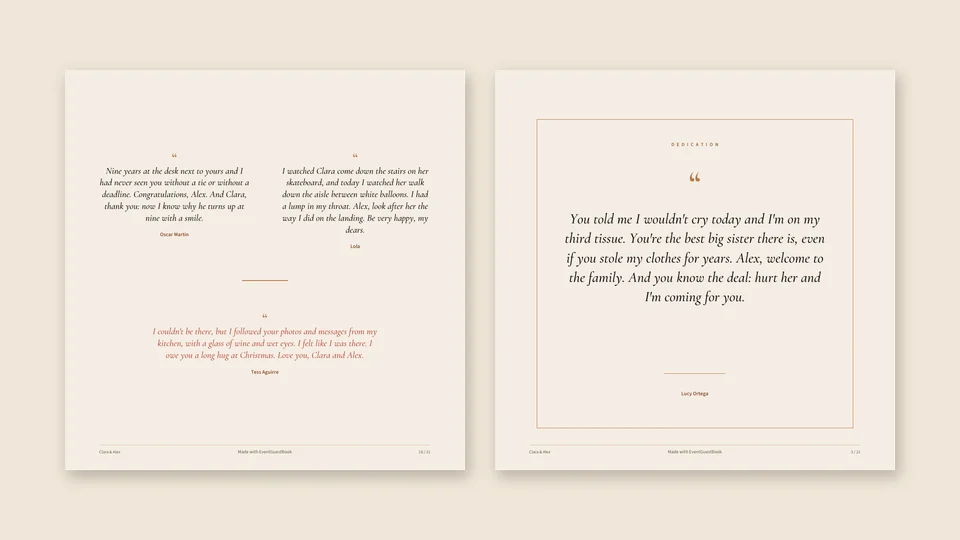
Guest book in Canva or PowerPoint: how to edit your EventGuestBook file
The editable PPTX is a Premium feature and it is not a native Canva project. How to download it, open it in PowerPoint or import it into Canva, and what may change.
7 min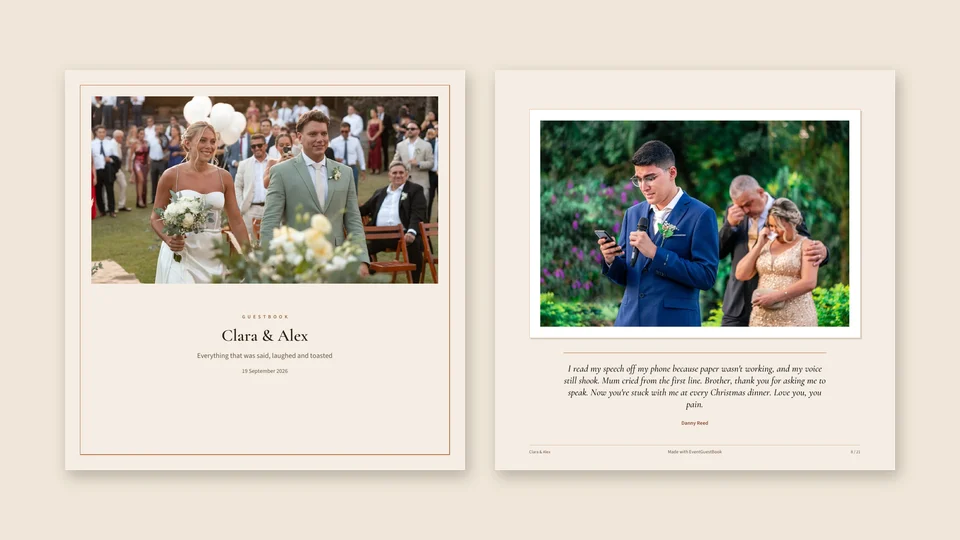
Free digital guest book: what it includes and when Pro is worth it
The free plan is a real trial, but it has a clear cap. What Demo includes, what changes with Pro and how to decide before you hand out the QR code.
6 min