Graduation guest book: how to collect messages from everyone
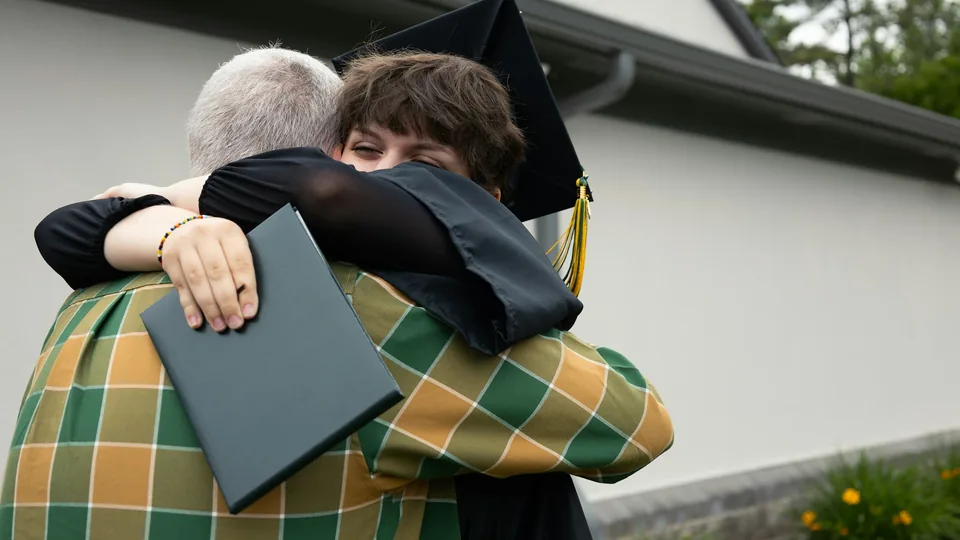
A graduation is more than a ceremony. It closes a chapter: years of classes, assignments, nerves, friendships, teachers who left a mark and families who were there the whole way. If you are preparing a different kind of send-off, the guide to a retirement guest book may help too.
That is why it is worth keeping more than the official photos. A graduation guest book brings together messages from classmates, teachers and relatives in a keepsake that can be read years later.
With a digital graduation guest book, everything is easier: share a QR code and each person leaves their message from their phone.
What a graduation guest book is
It is a place where everyone taking part in the graduation can leave messages, memories, advice and congratulations for the whole class or for one graduate. To get simple messages flowing, adapt the formula from the guide on what to write in a guest book.
It can be used at:
- College and university graduations.
- High school graduations and end-of-year celebrations.
- Class send-offs.
- Ceremonies for courses, academies or master's programs.
- Graduation parties organized by families or students.
In digital form, the book does not depend on everyone walking past a table. The QR code can be shared before, during or after the ceremony.
Why digital works better here
A graduation is all movement: photos, hellos, speeches, diplomas being handed out and groups that scatter quickly. A paper book can look lovely, but many people never get to sign it.
With a QR code, anyone can take part from their seat, from home or after the ceremony. It also lets people include a photo of the day and, if you turn the option on, a voice note with a more personal message.
And the organizer keeps everything in one place. No loose papers, and no messages spread across group chats.
Where to put it during the ceremony
The best approach is to make the QR code visible and easy to understand. You can put it:
- In the ceremony program.
- On a screen before things start.
- On signs by the entrance.
- At the diploma table or the photo backdrop.
- In the class group chat.
Add a clear line:
"Scan and leave your message for the class."
If the school or the venue has a screen, you can also show the messages live in TV mode.
Message ideas for classmates
Sometimes people want to write but do not know how to start. You can suggest ideas such as:
- "Thank you for these years together."
- "I hope this next chapter is full of opportunities."
- "I'm taking memories, laughs and a lot of stories with me."
- "See you on the next adventure."
- "Nobody forgets this class."
Messages between classmates tend to mix humor, nostalgia and gratitude. That mix is exactly what makes the book valuable. There are more examples in what to write in a graduation guest book.
Messages from teachers and advisors
Teachers bring a different view. Their messages give perspective: they talk about effort, growth and what comes next.
Some ideas:
- "It has been a privilege to walk alongside you through these years."
- "Never lose your curiosity or your desire to learn."
- "A school year ends today, but a very long road begins."
- "Thank you for letting us be part of your story."
Having these messages in the same book as the ones from classmates and families makes a more complete keepsake.
Getting families involved
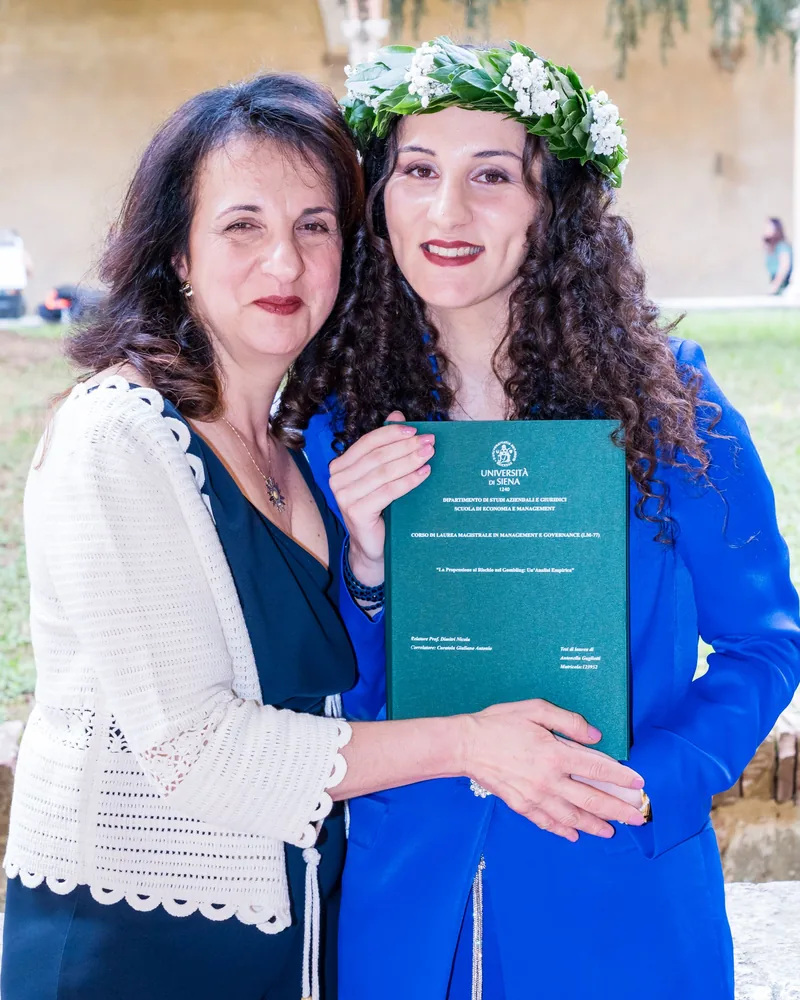
Families are part of a graduation too. They were behind a lot of effort, schedules, exams and decisions.
Share the link with mothers, fathers, grandparents and siblings so they can leave their message. If not all of them can attend, the digital format lets them take part anyway.
For many graduates, those family messages will be the most moving ones when they reread the book years later.
Photos and voice notes from the graduation
Photos capture the moment. Voice notes capture the voice. Together they make the memory far more vivid.
With EventGuestBook, people leave a message and a photo from their phones, and a voice note if the host has turned that on. They do not need to install an app or create an account.
This is especially useful at large graduations: each person contributes one small piece of the day, and everything ends up in a single digital book.
Wrapping up
A graduation guest book helps you keep what does not fit in a photo: the words of the people who shared those years.
To set one up simply, create a digital graduation guest book, share the QR code and collect messages, photos and voice notes before, during or after the ceremony. To get more people involved, borrow from this guide to unique guest book ideas.
Related articles
Baptism guest book messages: 30 examples and how to write your own
Lines for parents, godparents, grandparents and friends, and a three-step formula so your message does not sound like a greeting card. Written to be read when the child is older.
7 min
Baby shower guest book: messages, advice and predictions for the parents-to-be
A baby shower is the last party before the baby arrives. How to turn the guests' messages, advice and guesses into a book the parents will read in peace, and one day the child will too.
8 min
A guest book for a wedding anniversary: messages and photos from the people who were there
A silver or golden anniversary brings together people who were at the original wedding and people who came along later. How to collect their messages and old photos in one book.
8 min